
Less noise, more you: why we are building doshie
Most apps show you everything that is happening nearby. doshie starts from the other end: the few things that are worth your time.
We dropped walk-in AR shops. Every shop in doshie now opens as a simple product list, and any item can be placed in your own space as a 3D model.
By The doshie team
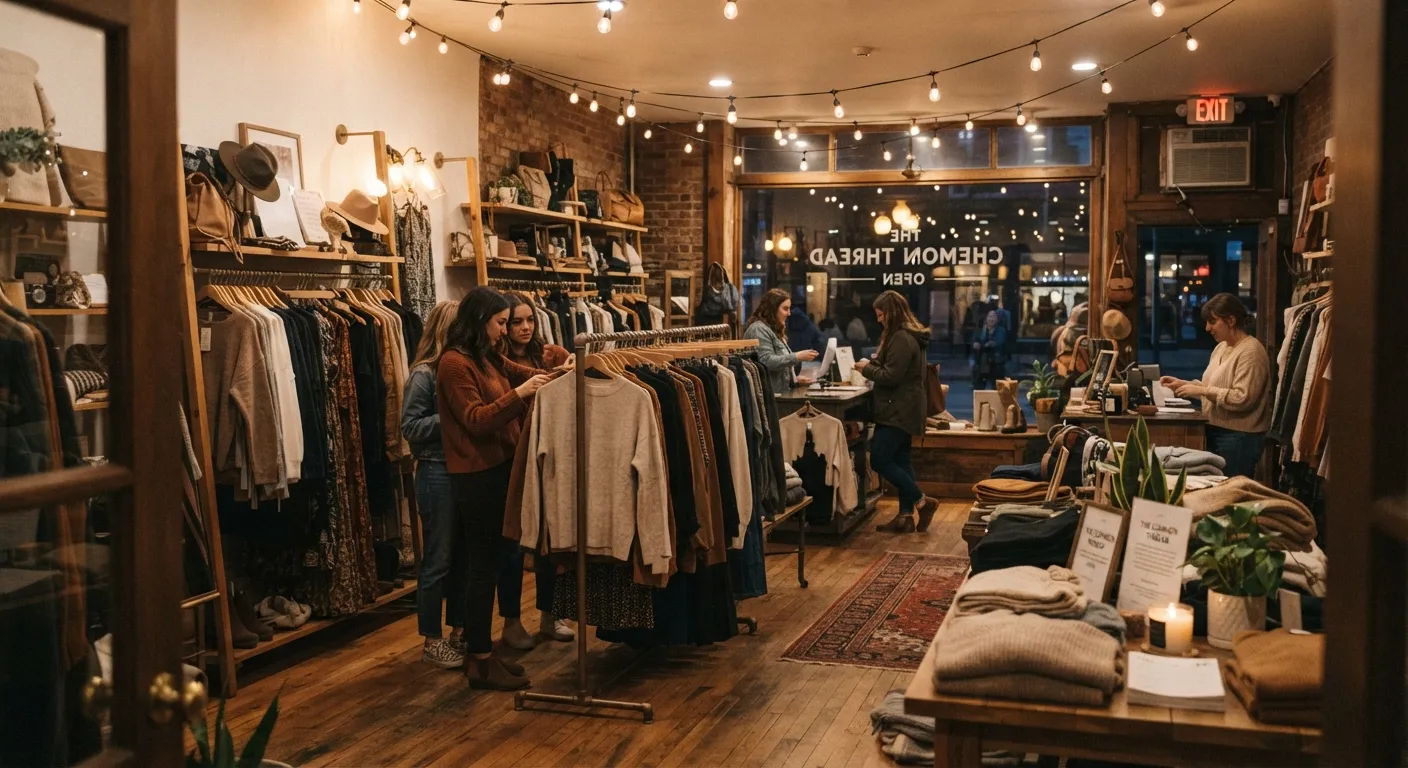
Our first idea for shops in doshie was ambitious: whole shops in augmented reality. You could walk into one, or stand outside and look at the stand.
We tested it and changed course. Here is what we learned and what replaced it.
Every shop opens as a familiar product list, like any shopping app. When you find something you like, you can place that single item in your own space as a 3D model.
One way in: tap a pin, see the shop, pick an item.
Single-item models are light, so they load fast. They fit any room, even a small desk. And it works the same way for every kind of shop.
Shopping apps have taught everyone the same pattern: browse a list, open a product, view it in your space. doshie now follows that pattern, so there is nothing new to learn.
You can try a small version of it on our home page.
Most apps show you everything that is happening nearby. doshie starts from the other end: the few things that are worth your time.
How doshie gets from everything happening around you to the one thing you actually do tonight.
Join doshie and discover the people, places and possibilities around you, without the noise.